
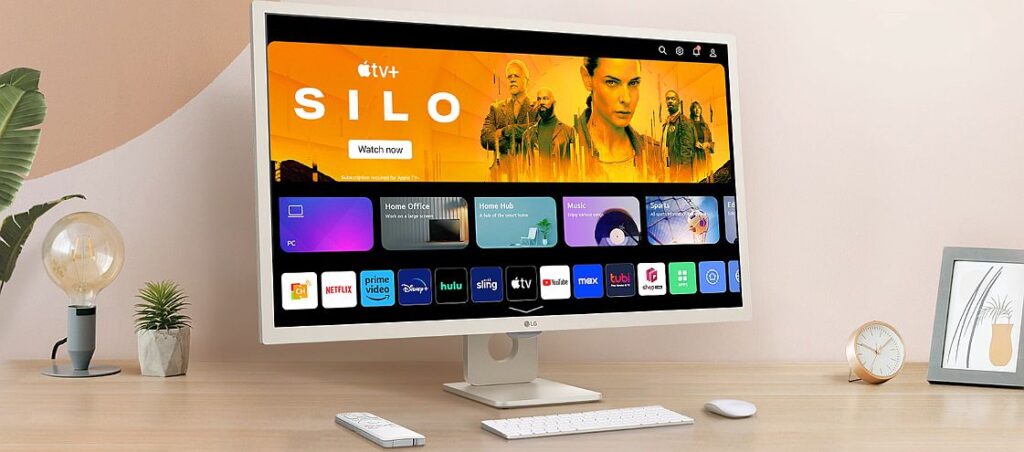
The home monitor market has changed dramatically in recent years. Where once the choice was simple, a computer monitor for the home office and a TV for the living room. But today the lines are blurred. Many of us now use the same space for remote work, online learning, streaming movies and shows. Often, all of these activities happen in the same room, which is why more users are seeking a single versatile screen: one that can handle work, streaming, and even serve as a TV in a bedroom or home office.
This is exactly where LG’s MyView Smart Monitor 32SR50F comes in.
It’s a 32-inch monitor running webOS, designed to merge three roles into one: a traditional computer monitor, a standalone smart screen for streaming apps, and even a TV replacement.
After using it extensively, here’s my take: while it offers many advantages, there are also a few compromises to keep in mind.
Mounting Options
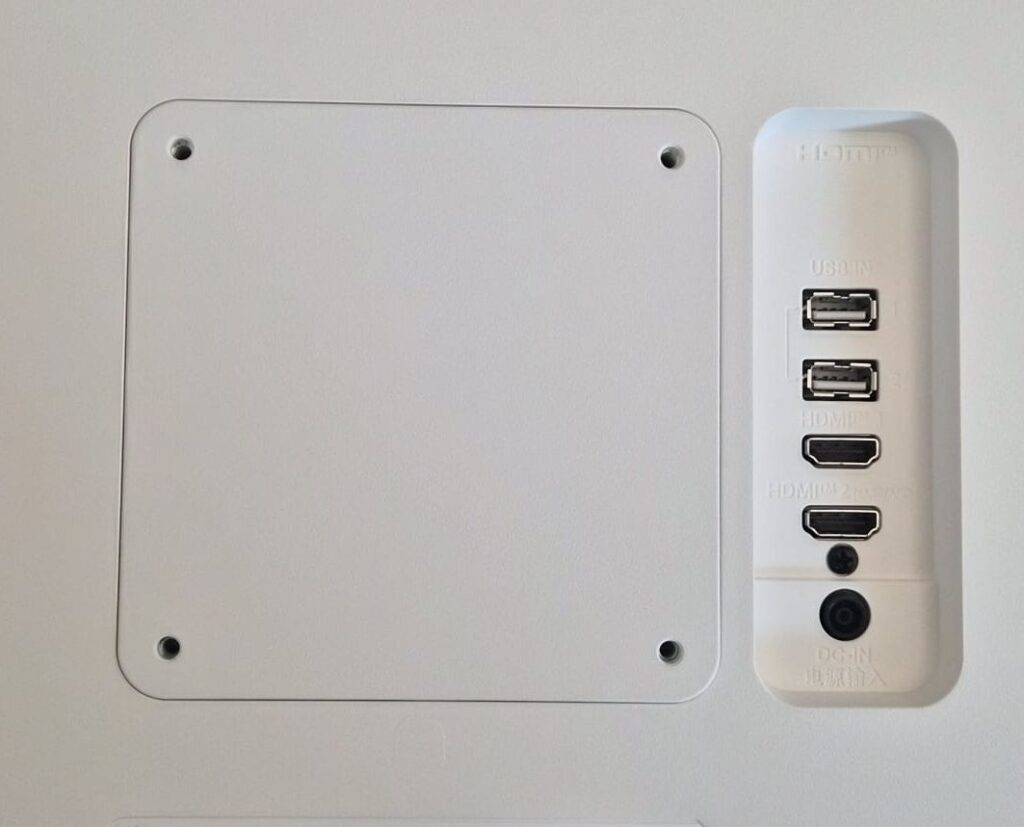
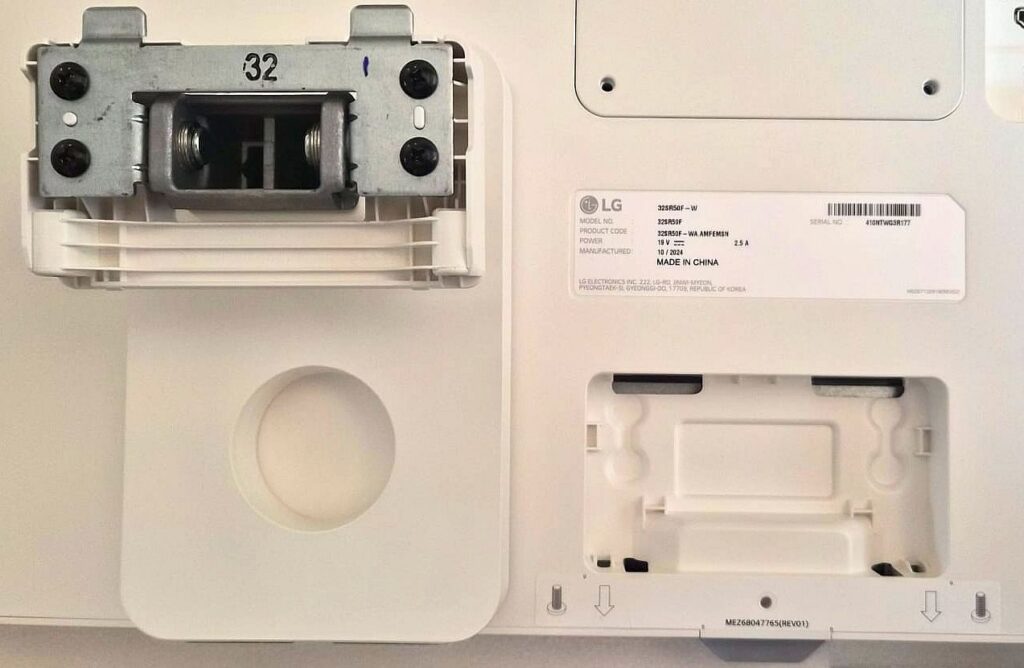
The monitor comes with a basic stand that tilts forward and backward, VESA 100×100 wall-mount compatibility, an external power adapter, an HDMI cable, a remote control, and a quick-start guide.
Design
At 32 inches and finished in white, the MyView Smart Monitor makes a strong presence on a desk while still being comfortable for regular computer use. Weighing around 14.5 lbs (6.6 kg) including the stand, it’s stable and doesn’t wobble easily.
On the desk, it looks like a modern, typical computer monitor. The bezels around the display are relatively thin, giving it a clean, minimalist look.
However, if you’re looking for advanced ergonomic adjustments like height or swivel, you won’t find them here, the stand is basic.
Specifications
LG took a conservative approach with this monitor, prioritizing content consumption and office work over gaming or professional video editing.
You’ll find a Full HD 1920×1080 IPS panel, a 60 Hz refresh rate, a 5 ms response time, and 250 nits of brightness. HDR10 is supported, but it’s basic HDR; it doesn’t meet advanced standards like DisplayHDR.
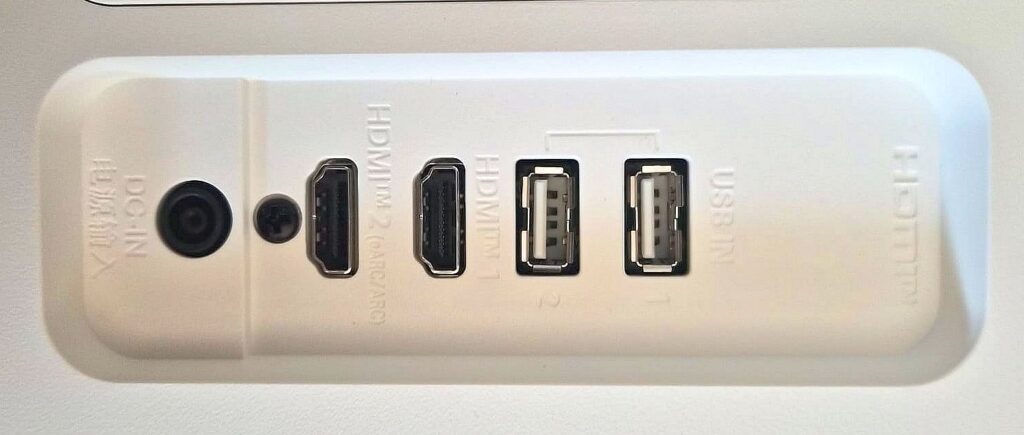
Connectivity is simple but functional: two HDMI ports, two USB-A ports, and a power connection for the external adapter. Notably, there’s no DisplayPort or USB-C, which was somewhat surprising.
Built-in speakers are rated at 5 watts each, sufficient for YouTube or casual streaming, but anyone seeking high-quality audio will want external speakers. The external power brick keeps the monitor thin and cooler but adds a small component on the desk.
Setup and Installation
Assembly is straightforward and only requires a Phillips screwdriver. The stand attaches with a single screw at the base and two more at the back.
Once powered on, it’s clear this isn’t just a monitor, it’s a multifunctional device. The monitor connects to Wi-Fi independently and searches for software updates, so you can use it without a computer at all.
Operation
The webOS interface opens with the press of the Home button on the remote, and it’s identical to LG TVs. Initial setup resembles that of a smart TV: select language and region, connect to Wi-Fi, and log into streaming accounts.
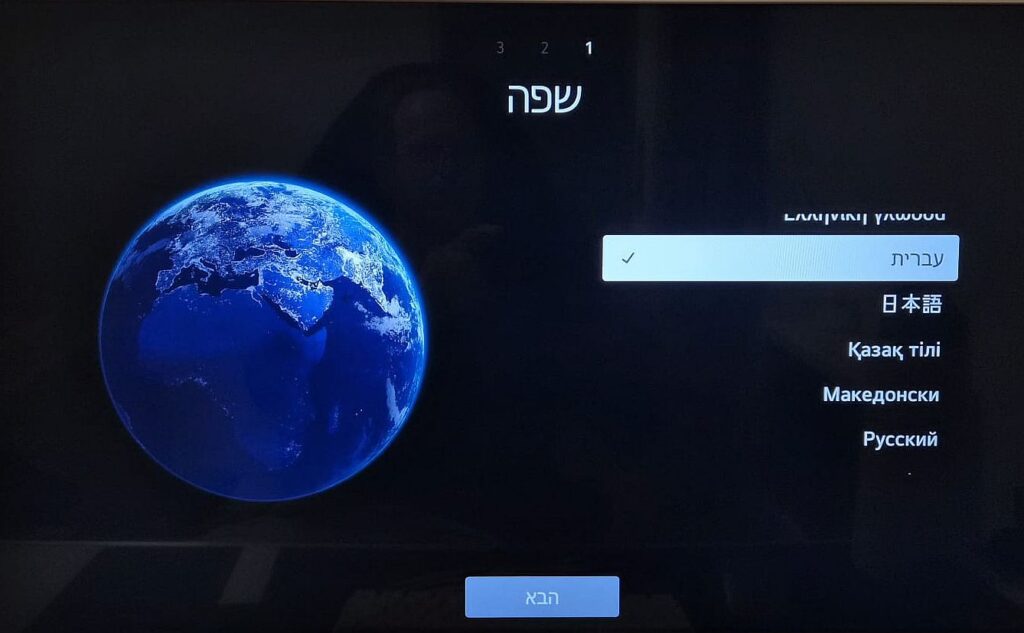
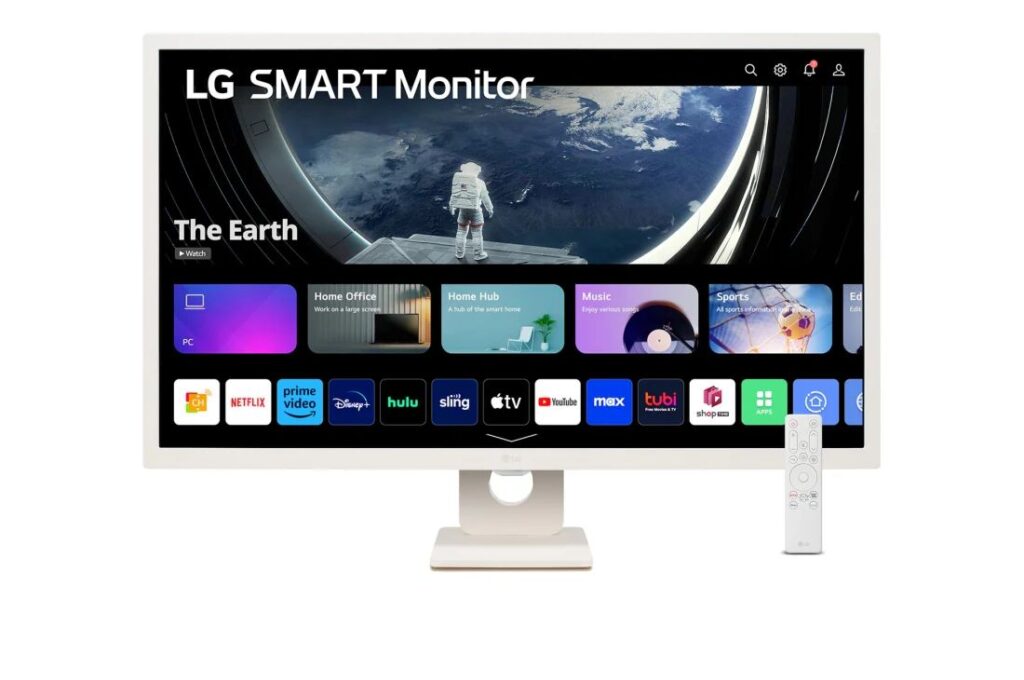
Like LG TVs, it supports a wide range of streaming services including Netflix, Apple TV, Amazon Prime Video, Disney+, YouTube, and Spotify. For regional audiences, local streaming apps can also be accessed via the browser.
Essentially, this monitor functions as a compact media center right on your desk.
webOS – A Smart TV Built into a Monitor
One of the main reasons I wanted to review this monitor is the webOS 23 platform, the same OS used in LG smart TVs. The advantage: full smart TV functionality. Wi-Fi, Bluetooth, app store, screen sharing from your phone, and even Apple AirPlay 2 support.
You can turn it on in the evening, open Netflix or YouTube, and start watching without ever turning on a computer. The interface is intuitive, especially for users familiar with LG TVs. Streaming 1080p content is seamless; 4K Remux streams can struggle a bit, but the monitor is capped at 1080p, so there’s no real downside.
Remote Control
A distinguishing feature is the included remote, which makes navigating webOS and streaming apps far easier than with a typical monitor. Volume, app switching, and quick access to streaming services are all handled smoothly. For additional convenience, LG’s Magic Remote (sold separately) supports pointer navigation and voice control.
Eye Comfort Features
Modern screens must address eye strain, and the 32SR50F includes several mechanisms: Blue Light Filter, Flicker Safe, and automatic brightness adjustment.
Blue light is known to contribute to eye fatigue and can interfere with sleep patterns.
Here, the filter is subtle, it slightly warms the image without overly yellowing the display, maintaining comfort for long work sessions or late-night streaming.
User Experience
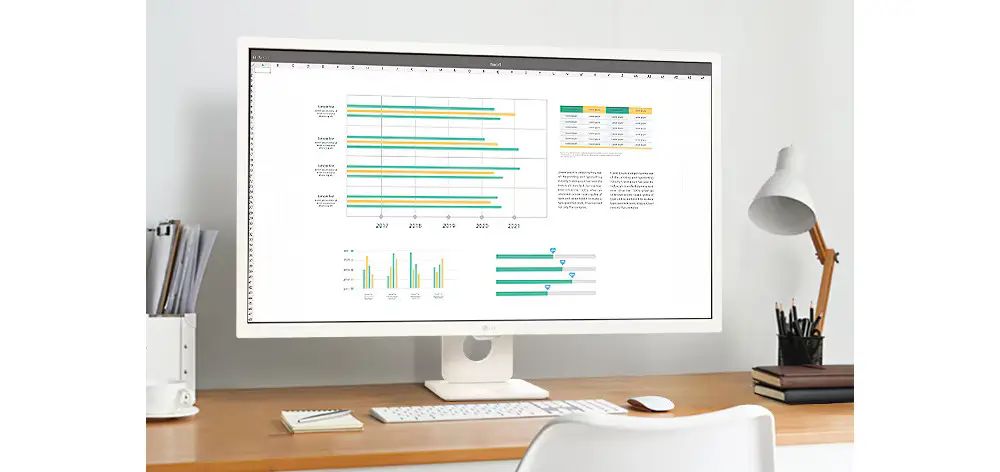
Daily use proved the monitor’s versatility. It works well for document editing, browsing, and streaming. In essence, it’s a hybrid device: by day a computer monitor, by night a streaming center.
However, compromises exist. Full HD on 32 inches isn’t as sharp as 4K, there’s no USB-C, and the stand is basic—users mindful of ergonomics might be surprised.
Conclusion
The LG MyView Smart Monitor 32SR50F is an intriguing attempt to bridge monitors and TVs. Its main advantages are clear: full webOS with streaming apps, computer-free use, built-in speakers, blue-light filtering, and a large screen suitable for work and viewing.
Drawbacks: Full HD resolution, basic connectivity, and a limited stand may feel underwhelming in 2026 standards.
Overall, it’s ideal for those seeking a single screen for work, streaming, and casual TV, without crowding the desk with multiple devices. In a world overloaded with screens and gadgets, its simplicity is its greatest strength.