
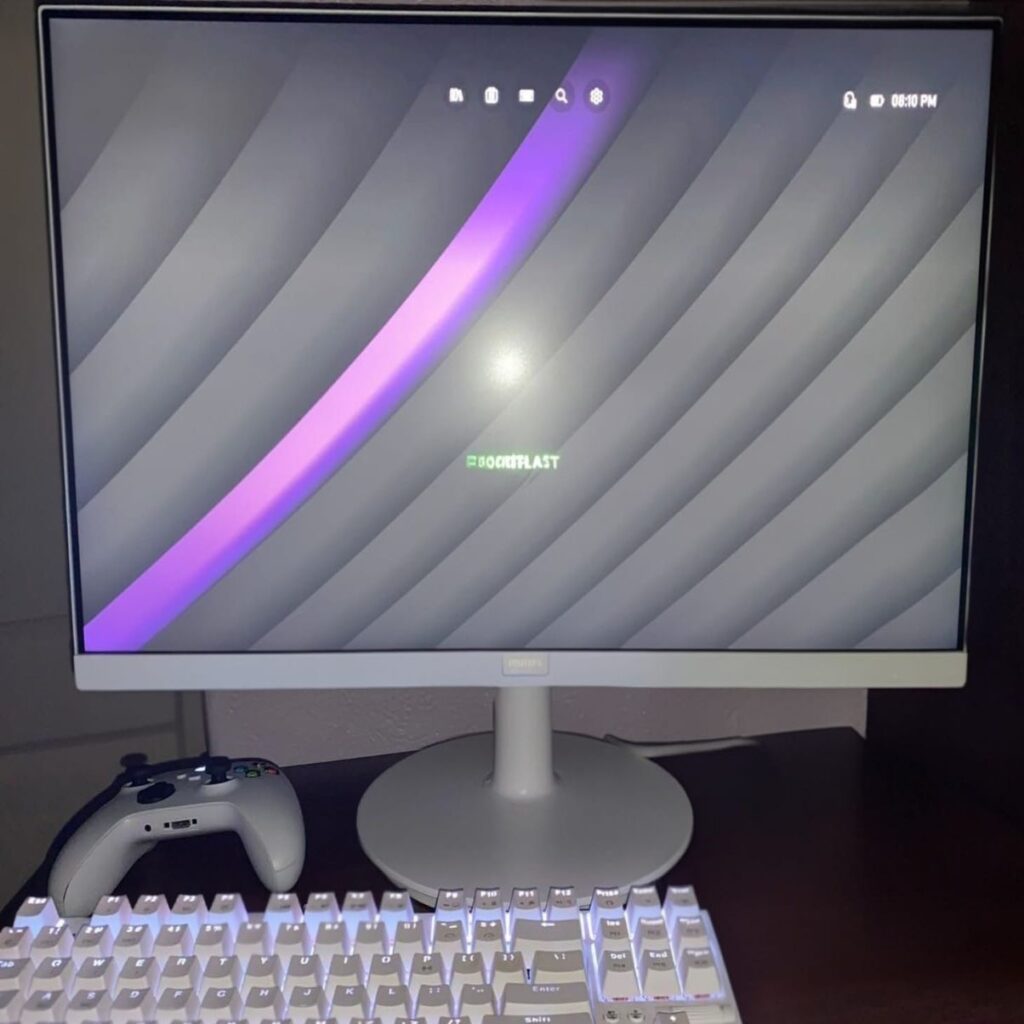
In a world where monitors are becoming larger, sharper, and often decorated with flashy RGB lighting, it’s worth pausing for a moment to remember that not every user needs a 4K display with advanced features aimed at graphic designers and video editors.
Those of us who work in offices and spend most of our day in front of documents, emails, Excel spreadsheets, CRM systems, and similar tools, gain very little real advantage from a 4K monitor.
What we truly need is something else entirely: a comfortable, bright, reliable display that doesn’t strain the eyes and provides sufficient screen space for everyday productivity.
This is exactly where the Philips 271V8AW/00 comes in. The monitor targets mainstream users and demonstrates that it’s entirely possible to deliver an excellent work experience without breaking the bank.
Why 27 Inches?
In an era where we often work with several applications simultaneously, and sometimes even multiple monitors, the 21-inch and 23-inch screens that were common just a few years ago no longer provide the workspace many people expect today.
The 27-inch display has gradually become something of a gold standard: large enough to comfortably manage multiple windows side by side, while still compact enough to fit easily on most desks.
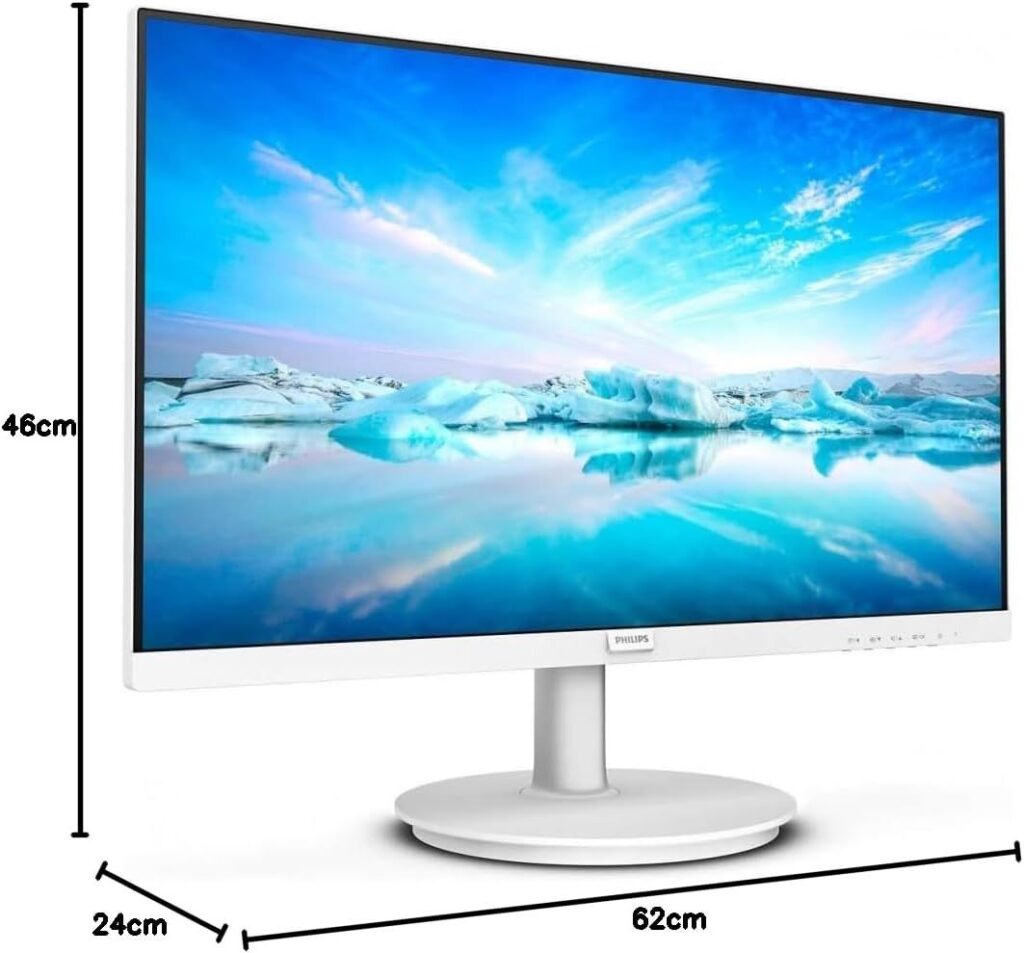
The Philips 271V8AW/00 aligns perfectly with this trend. It’s a 27-inch monitor with thin bezels and a clean, minimalist stand, one that doesn’t take up much desk space yet still delivers a modern and efficient work display.
Technology
The world of display panels is generally divided into three main categories:
- TN panels – inexpensive but typically weaker in color accuracy. These were once common in many offices.
- VA panels – offer higher contrast but usually come with more limited viewing angles.
- IPS panels – known for accurate colors, wide viewing angles, and uniform brightness.
For these reasons, many users today prefer IPS panels for office work. In addition to delivering a visually pleasing image and wide viewing angles, they can also reduce eye fatigue over the course of a typical workday thanks to their balanced colors and consistent brightness.
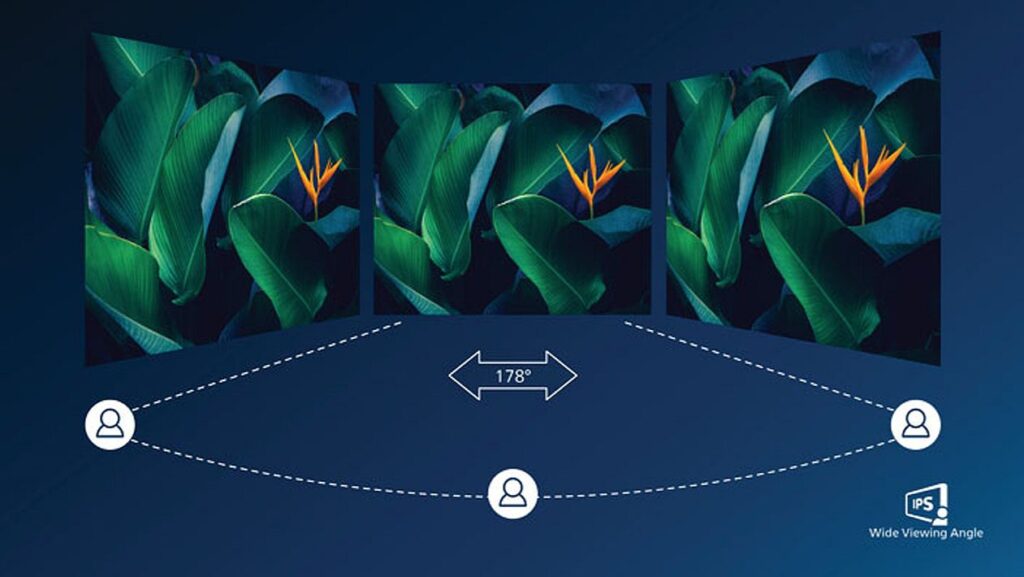
In my experience, the IPS panel in this monitor delivers a viewing experience that feels balanced, professional, and comfortable over long sessions.
Despite being a budget monitor, it offers several surprisingly capable features:
- IPS LED panel with accurate colors, uniform brightness, and 178° viewing angles, allowing multiple people to view the screen comfortably at the same time, useful in collaborative office settings.
- 27-inch Full HD resolution, providing comfortable readability with larger, clearer text and adequate workspace without unnecessary graphical load.
- Refresh rate up to 75Hz, helping reduce eye fatigue while making scrolling smoother and easier on the eyes.
- LowBlue Mode: Research suggests that short-wave blue light emitted by LED displays may contribute to eye strain and long-term visual discomfort. Philips’ LowBlue Mode reduces blue light levels, helping protect the eyes during prolonged use.
- Flicker-Free technology: Philips uses a brightness-regulation solution that reduces screen flickering, creating a more comfortable viewing experience and helping minimize eye strain during long work hours.
- SmartImage: A proprietary Philips technology that analyzes on-screen content and adjusts display performance accordingly. The user-friendly interface allows you to choose different modes such as Office, Photo, Movie, Game, or Economy. Depending on the selected mode, contrast and sharpness are automatically optimized. The Eco mode can also significantly reduce power consumption.
- Adaptive Sync: Helps prevent screen tearing when displaying video content.
- Anti-Glare coating: Reduces reflections, particularly useful in brightly lit offices or when a desk is positioned near a window.
What’s in the Box?
The package includes the monitor itself, a stand and base, HDMI and power cables, as well as a user guide. Everything required for a quick and straightforward setup.
User Experience
I tested the monitor in a typical office environment over several days while working with productivity applications such as Microsoft Office.
Throughout the experience, it stood out as very comfortable for long working sessions. Unlike some competing monitors, its stand has a relatively small footprint, leaving more space on the desk for notebooks, writing tools, and other peripherals.
The blue-light filtering and flicker-reduction technologies contribute to a calmer visual experience. Even after a full workday, eye fatigue felt noticeably reduced.
Although this is a Full HD resolution monitor on a 27-inch panel, which technically provides less sharpness than 4K displays, it is actually very comfortable for reading text-heavy content. Text appears larger, clear, and easy to distinguish.
The IPS panel provides balanced colors that are not overly saturated exactly what many office users prefer. Working with multiple windows open simultaneously, such as Excel spreadsheets, a web browser, and an email client, feels natural and convenient.
The monitor also includes built-in speakers, rated at 2x 2Watts. In my experience, these provide basic audio suitable for notifications and occasional conference calls.
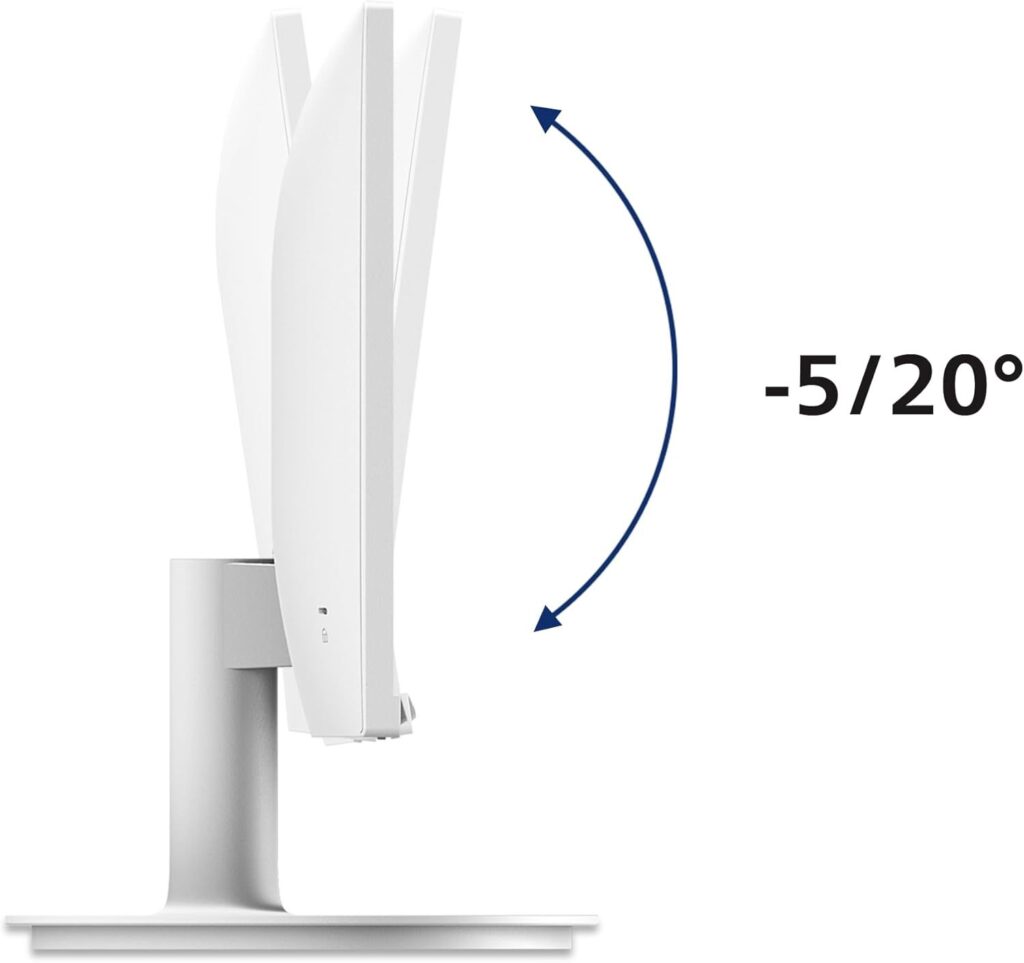
While the monitor does not support height adjustment, it does allow tilting the viewing angle, which can help improve neck comfort.
The 75Hz refresh rate also contributes to smoother visuals compared with traditional 60Hz displays. The image remains stable and high in contrast even when viewed by two people sitting side by side.
However, users accustomed to 4K monitors may notice that text appears slightly less sharp here. The display also does not support height adjustment or rotation. For users who require improved ergonomics, a VESA-compatible monitor arm can easily be attached to the back.
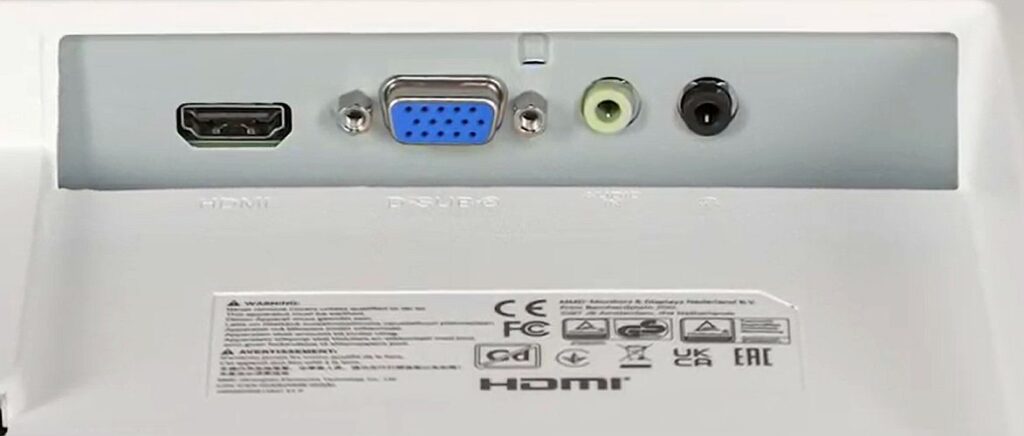
Connectivity options include HDMI and VGA, but there is no DisplayPort. For office use this is rarely critical, though it does slightly reduce flexibility.
Final Verdict
The Philips 271V8AW/00 is an excellent office monitor at an accessible price, proving that you can still get a quality IPS panel, modern design, and eye-protection technologies without approaching the cost of a 4K display.
Placed in an office environment, a home-office setup, or a study space, it delivers excellent value for money, without unnecessary gimmicks or the compromises often found in ultra-cheap displays.
Technical Specifications
Screen Size: 27 inches
Panel: IPS LED
Resolution: Full HD (1920 × 1080)
Refresh Rate: Up to 75Hz at 1080p
Response Time: 4 ms
Brightness: 250 cd/m²
Contrast Ratio: 1000:1 (typical)
Connectivity: HDMI 1.4 + VGA + audio out
Mounting: VESA 100 × 100
Color: White (AW model)