
Imagine a home where every device, from smart TVs to security cameras, flows seamlessly across a single, robust network. Where video calls never freeze, streaming never buffers, and your outdoor patio has the same Wi-Fi strength as the living room. This isn’t some futuristic dream, it’s the reality I built using Ubiquiti UniFi equipment, including the UDR7 router, Switch Pro Max 24 PoE, U7 Pro Indoor and Outdoor access points, and UniFi Protect cameras.
Over the past few years, home networks have become more than just a convenience, they’re now a critical utility. The average house today hosts dozens of connected devices: laptops, smartphones, smart TVs, streaming devices, IoT appliances, and security systems. A standard consumer router often fails under this load, leaving dead zones, slow speeds, and frustrated users.
That’s where Ubiquiti steps in. Unlike plug-and-play mesh systems like Google Nest Wi‑Fi, Netgear Orbi, or Amazon Eero, the UniFi ecosystem offers enterprise-grade control, scalability, and PoE-powered simplicity, all accessible to homeowners willing to plan their network wisely.
Why Traditional Routers Struggle
Most consumer routers rely on a single access point, broadcasting Wi-Fi from one location. In multi-story homes or properties with large outdoor areas, walls, floors, and even weather can drastically reduce signal strength. Devices hopping between floors or moving outdoors often experience dropped connections or reduced speeds.
Mesh systems partially address this, but they usually lack full control over VLANs, PoE support, or detailed traffic management. Without these tools, homes with multiple cameras, VoIP phones, and dozens of devices may still encounter congestion, unresponsive cameras, or slow streaming.
Ubiquiti’s solution is holistic. By combining managed PoE switches, indoor and outdoor Wi-Fi 7 access points, and high-definition cameras, the system creates a unified network that is both powerful and flexible.
Components and Technology
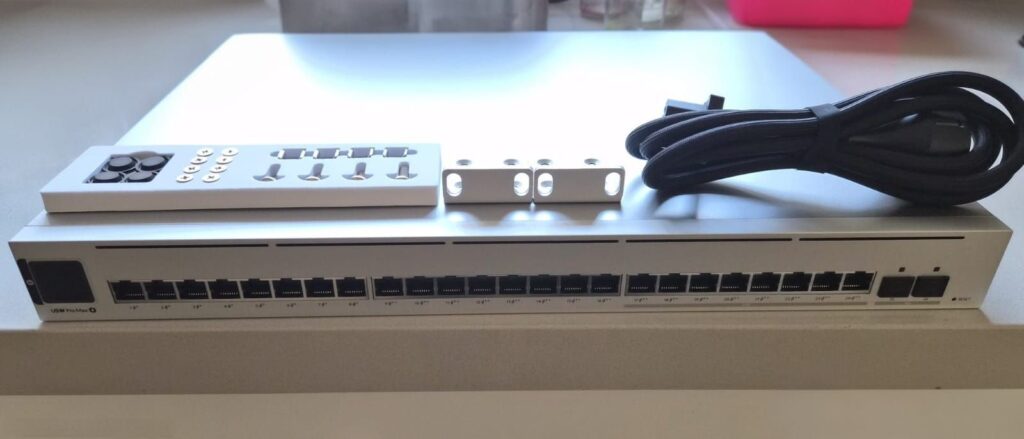
Switch Pro Max 24 PoE
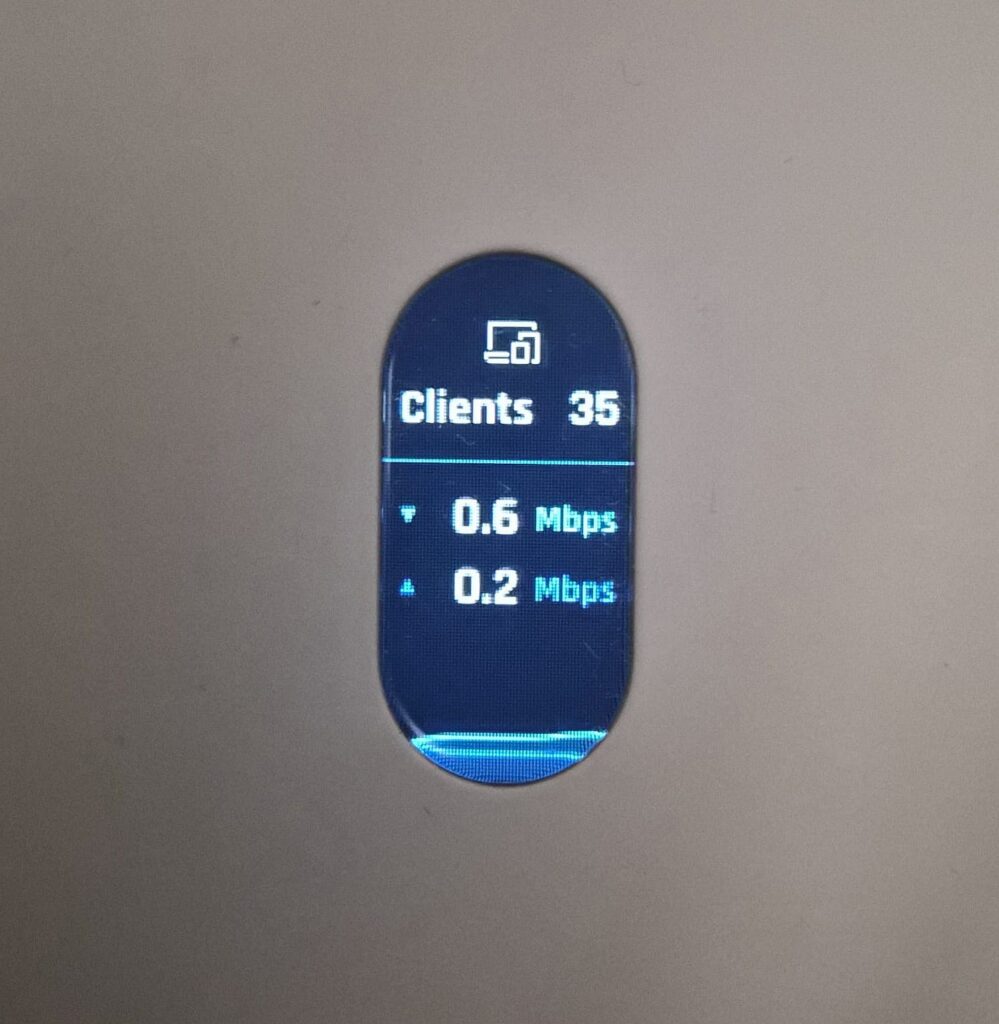
At the network’s core is the managed PoE switch, offering 24 ports, 16 at 1 Gbps and 8 at 2.5 Gbps, plus two 10 Gbps SFP+ uplinks. Its PoE budget of 400 W powers cameras, access points, and VoIP phones through a single cable. A 1.3‑inch touchscreen shows live status, active ports, and PoE usage.
This switch transforms complex cabling into a manageable setup. Unlike unmanaged consumer switches, it allows VLAN segmentation, traffic monitoring, and port-level configuration, keeping devices isolated and network performance optimized.
UniFi U7 Pro Indoor & Outdoor
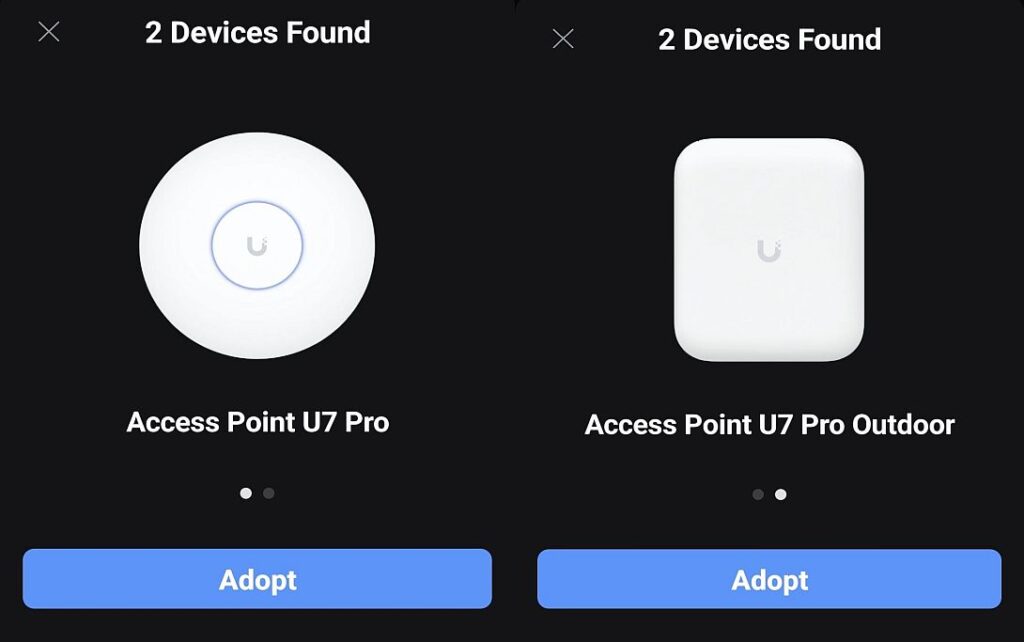
The U7 Pro Indoor provides tri-band Wi-Fi 7 (2.4 GHz, 5 GHz, 6 GHz) with combined speeds of up to 9.3 Gbps. Ceiling or wall-mounted, it supports hundreds of simultaneous connections and 2×2 MU-MIMO.
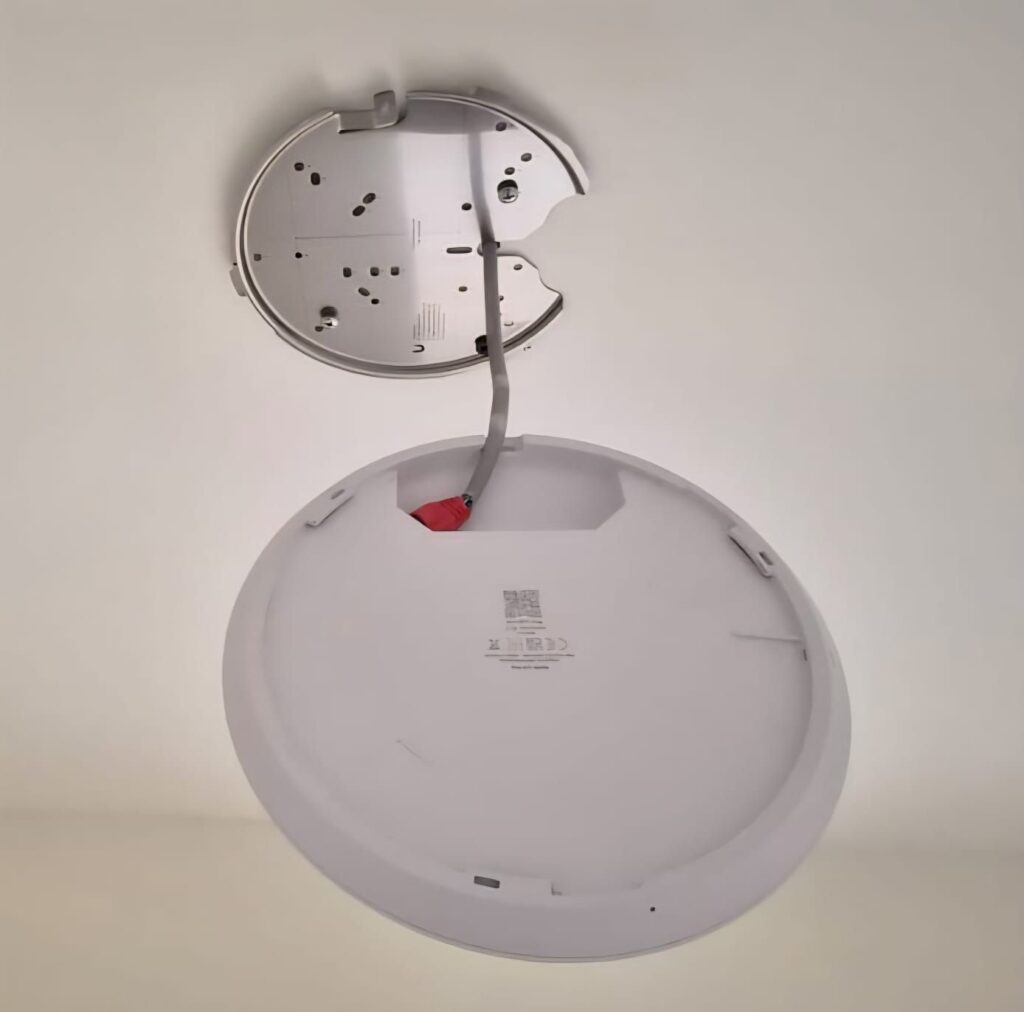
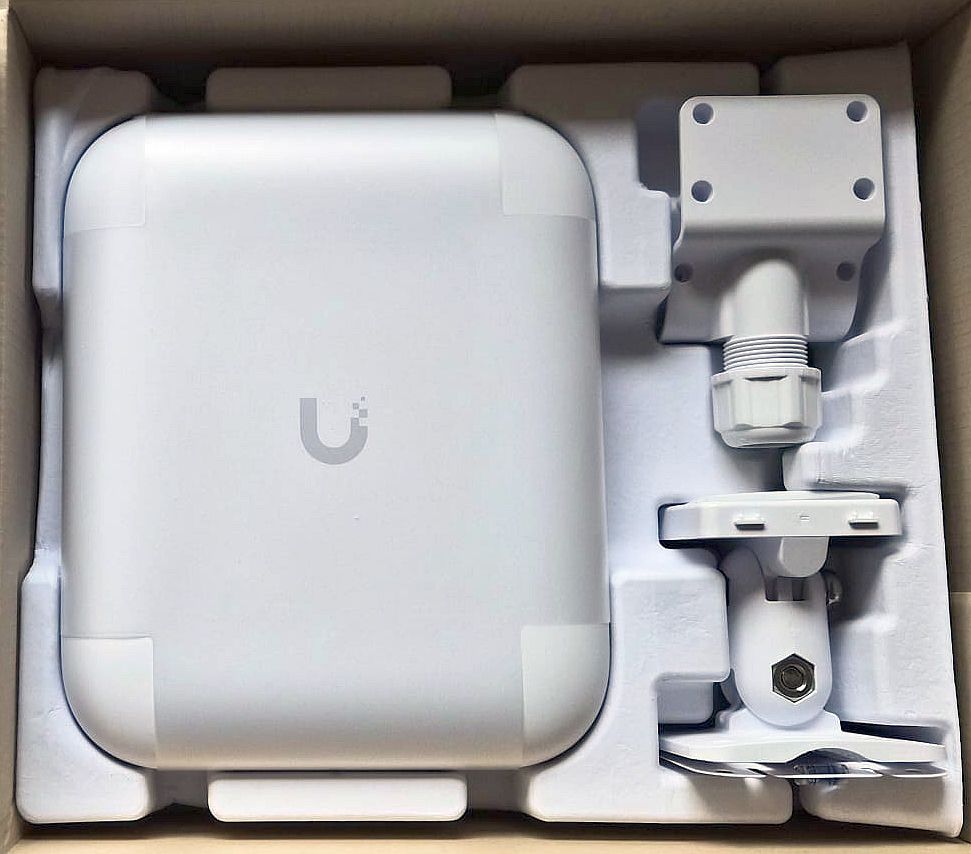
The U7 Pro Outdoor shares the same Wi-Fi 7 standard but is weatherproof to IP67, capable of covering roughly 400 m² and serving up to 300 clients. Both access points use PoE, simplifying installation with a single Ethernet cable for data and power.
UniFi Dream Router 7 (UDR7)
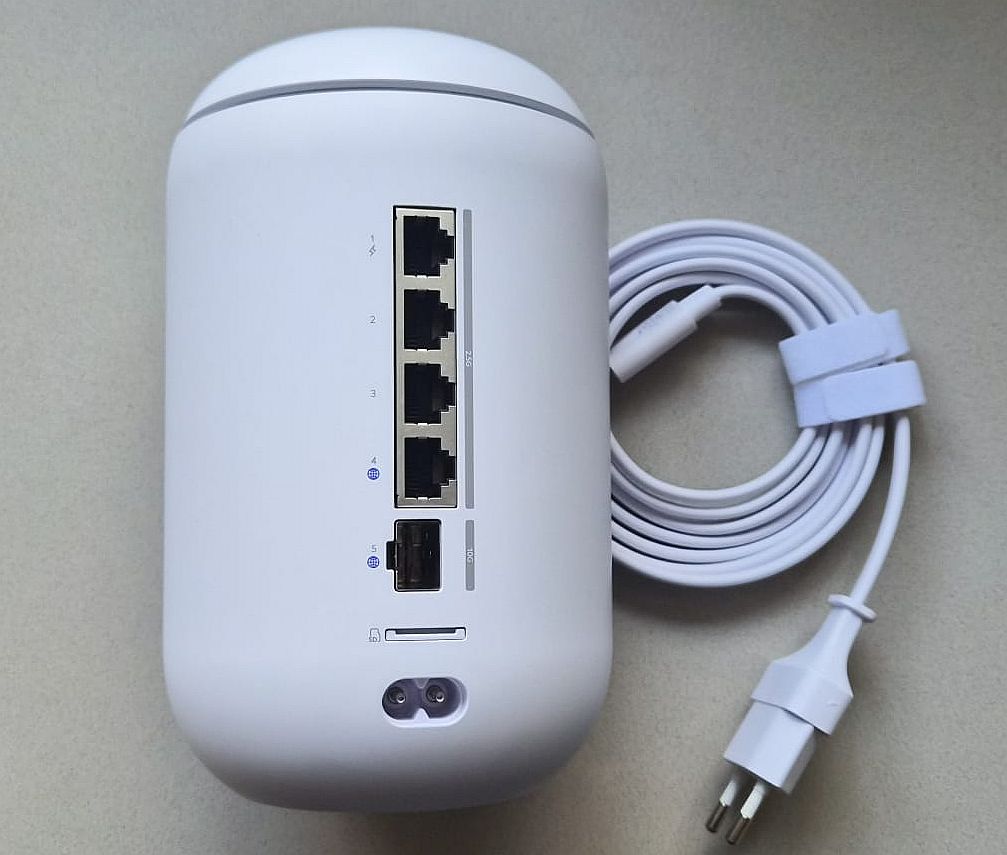
The UDR7 combines a high-speed router with Wi-Fi 7 support, multiple 2.5 GbE LAN ports, a 10 GbE SFP WAN uplink, firewall, and microSD storage for UniFi Protect recordings.
Its app-based management allows full network oversight remotely. While consumer routers like Netgear Orbi or Eero Pro offer simplicity, they cannot match Ubiquiti’s level of granular control and PoE integration.
UniFi Protect Cameras
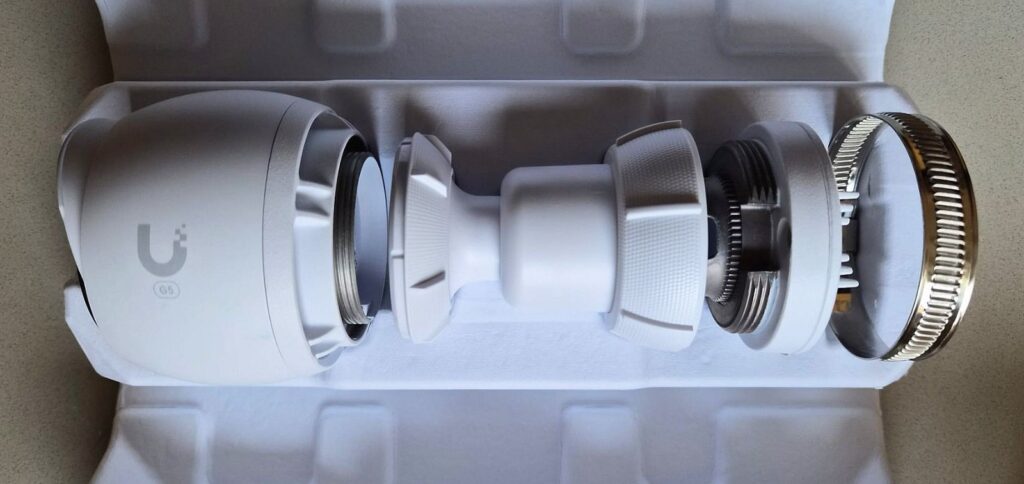
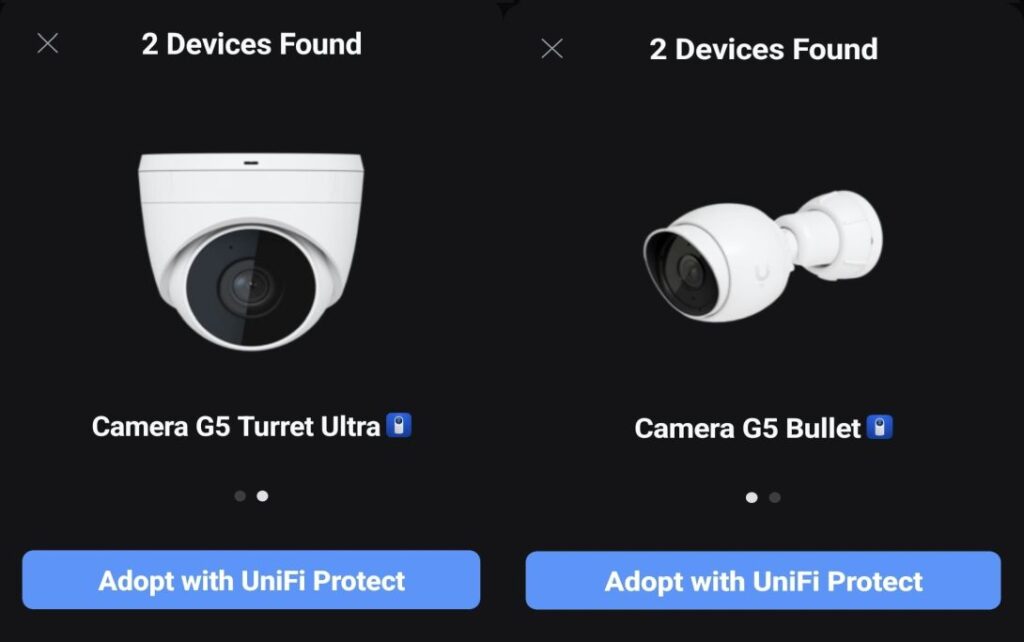
The G5 Dome Ultra and G5 Turret Ultra cameras deliver 4MP resolution, 102-degree field of view, and night vision up to 20 meters. Both are PoE-powered, allowing for a single-cable installation. Their integration with the UniFi app enables live streaming, alerts, and recording without additional NVRs.
Installation and First Impressions
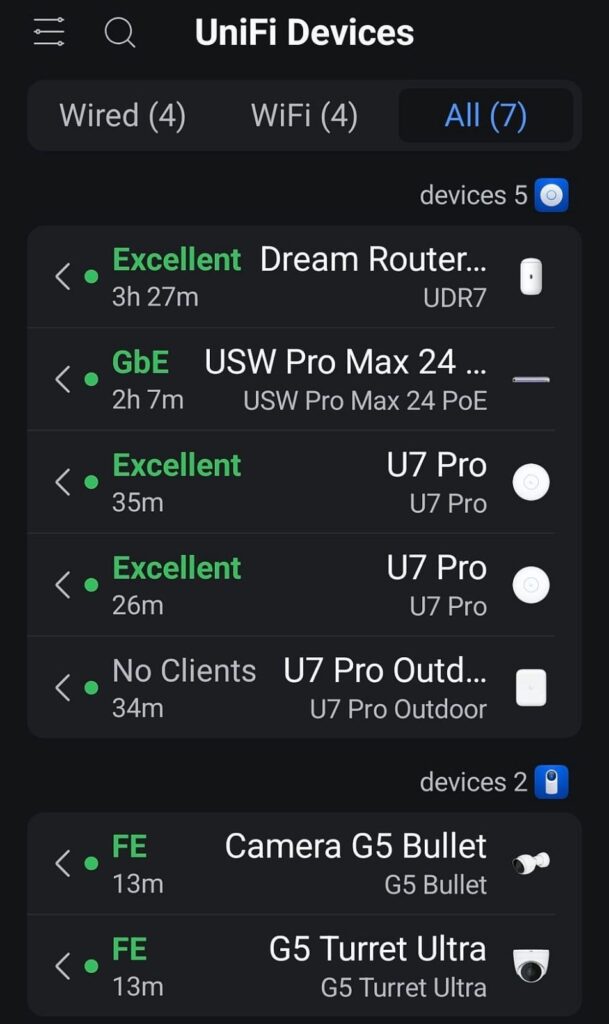
Setup exceeded my expectations. I connected the Switch Pro Max 24 PoE to the UDR7 via Cat6a, then mounted two indoor U7 Pro points on different floors and the outdoor unit facing the garden. Cameras were connected directly to the PoE switch.
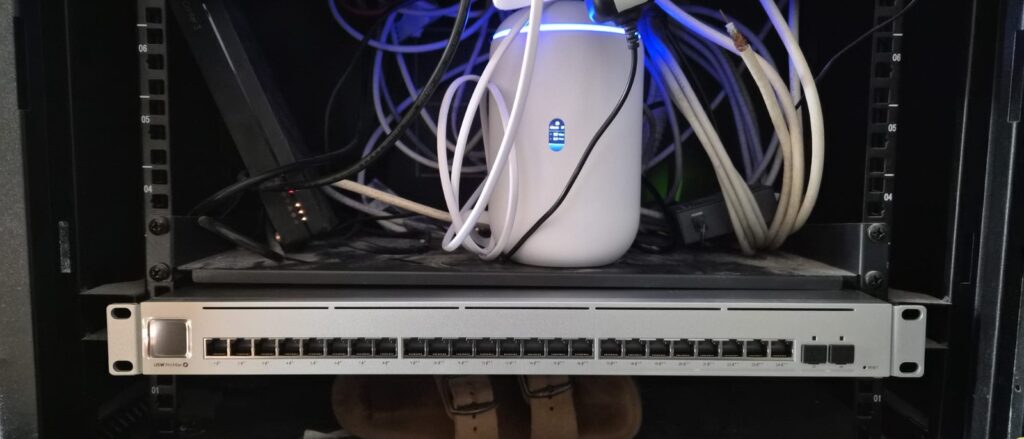
The system auto-detected all devices, adopted them seamlessly, and applied a unified SSID for roaming. Devices moved between floors and outdoor areas without dropped connections or noticeable latency. Unlike many consumer mesh systems, there was no constant reconnecting, rebooting, or fiddly setup menus.
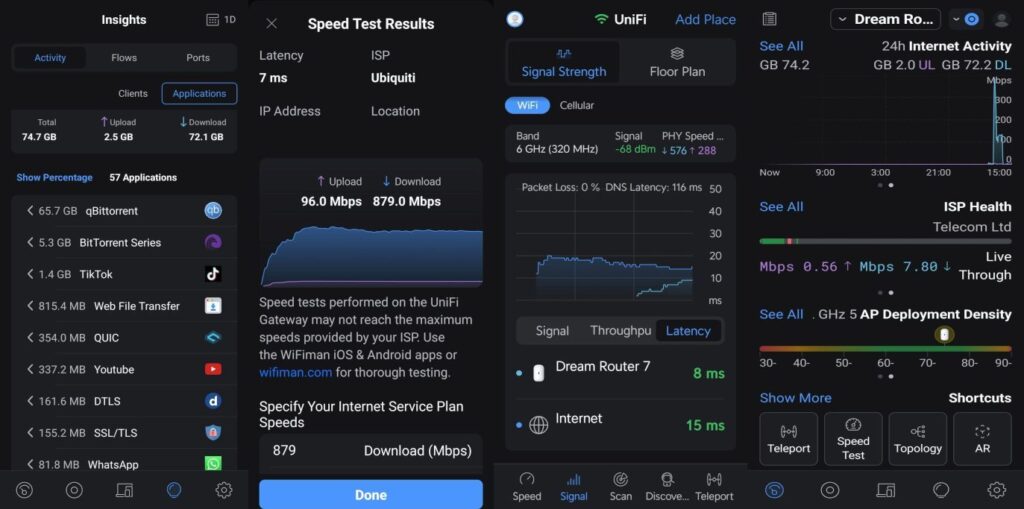
The UniFi app offers an all-in-one dashboard: network topology, client monitoring, per-device traffic, Wi-Fi signal visualization, and firmware updates. Roaming, VLAN configuration, and QoS prioritization can be adjusted in seconds.
Performance vs Consumer Mesh Systems
In real-world testing, Wi-Fi 7 throughput in the 6 GHz band achieved near-theoretical maximums. Outdoor coverage, previously a challenge for Nest Wi-Fi and Orbi units, remained stable across patios and the backyard. Even with multiple cameras streaming 4K video simultaneously, the network handled the load without drops or congestion.
Compared to systems like Eero Pro 6 or Orbi AX6000, Ubiquiti’s setup offers:
- True enterprise-grade VLAN and traffic control
- PoE-powered deployment for cameras and access points
- Seamless roaming across floors and outdoor spaces
- Unified app-based management for both network and surveillance
For power users, these capabilities go far beyond consumer solutions, creating a home network that behaves more like a small enterprise.
Conclusion
In today’s connected homes, a single Wi-Fi router is no longer enough. With multiple devices, cameras, smart appliances, and remote work needs, reliability, coverage, and management matter more than ever.
The Ubiquiti UniFi ecosystem, UDR7, Switch Pro Max 24 PoE, U7 Pro Indoor and Outdoor access points, and UniFi Protect cameras, delivers a high-speed, fully integrated, and centrally managed network. Setup is simpler than it appears, coverage is flawless, and performance rivals enterprise networks.
For anyone tired of dead zones, dropped streams, and unstable Wi-Fi, this system is a game-changer: it turns a home network from a liability into a powerful, flexible, and reliable foundation for every connected device.